Settings Page - Profile Update
Overview
The Settings page allows users to update their personal profile information. This interface is designed for quick and direct changes to the user's own account details.
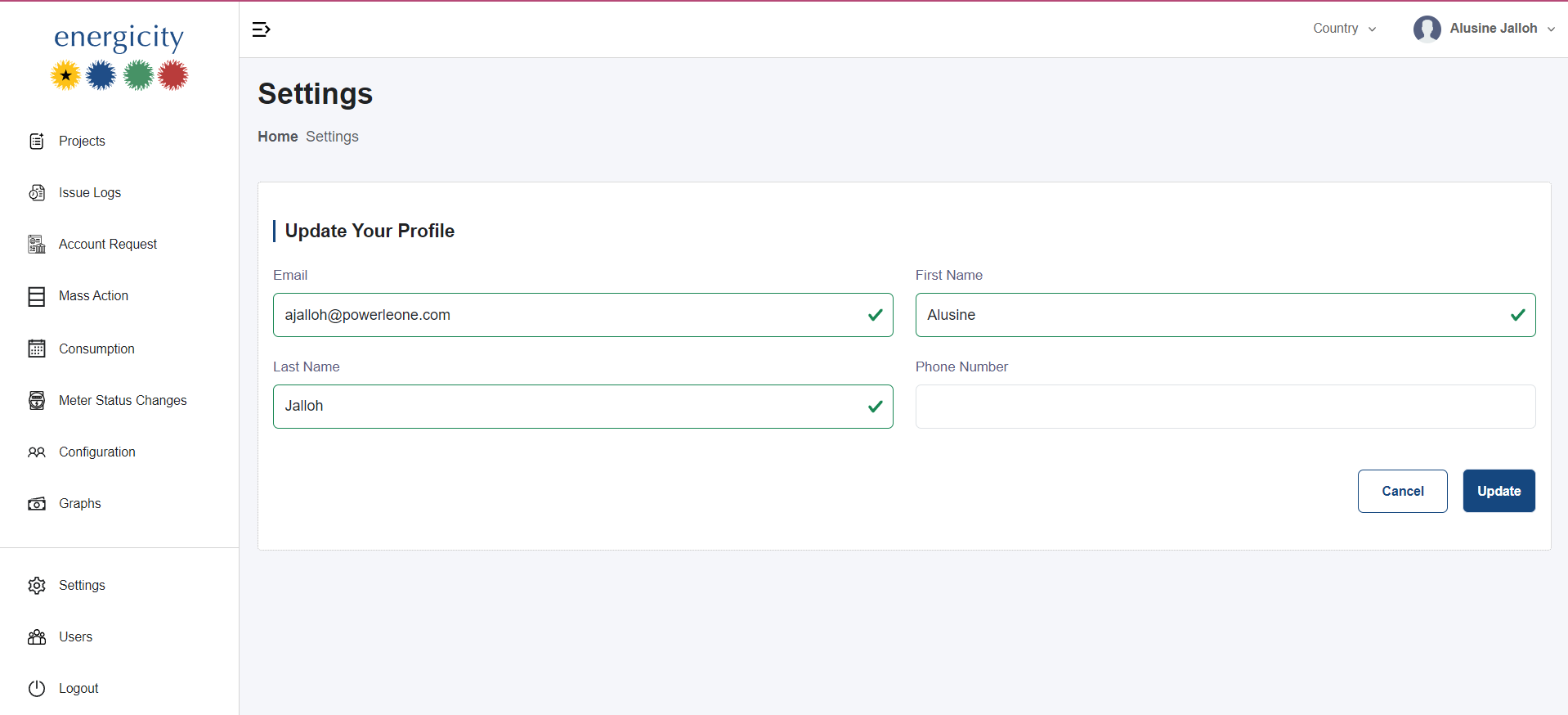
Editable Fields
The form includes the following editable fields: - Email - First Name - Last Name - Phone Number
Update Action
Once the user has made changes to any field, clicking the Update button will immediately apply the modifications. There is no validation for required fields or specific input formats (e.g., email format or phone number format).
User Feedback
Currently, there are no success or error messages displayed after submitting updates. Users receive no confirmation or indication of success/failure after clicking the Update button.